19 September 2015
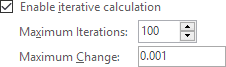
Circular references in Excel are generally bad news:
- They are slow to calculate.
- They can be hard to detect.
- An intentional circular reference can mask an unintended circular reference.
- They do not always converge.
- The Status Bar always shows calculate even in Automatic Mode.
Circular references should be avoided wherever possible. This article explains how.
Full article: Excel circular references: Calculation, detection, control and removal